Plan recurring care
Set the inspection frequency and next due date for a residence. Give your team a shared view of upcoming visits and outstanding work.
 EstateAegis
Home Watch Software
Coordinate recurring property visits, document findings, and keep owners informed from one residence record.
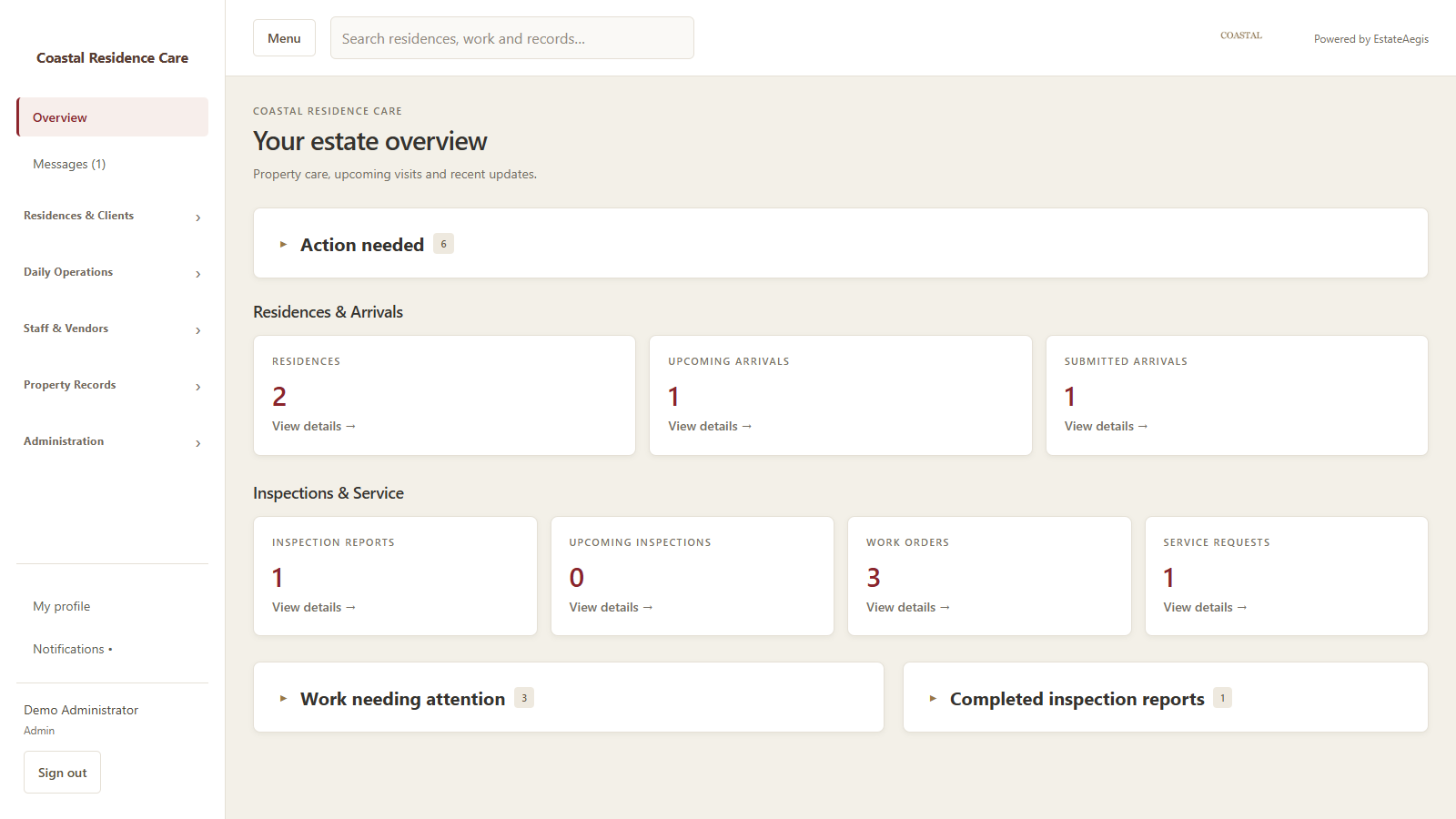 Demonstration workspace · sample data
A home watch visit can lead to a repair, a question for the owner, or preparation for an upcoming arrival. EstateAegis keeps those details with the home so your team can see the latest report and the work still needing attention.
Set the inspection frequency and next due date for a residence. Give your team a shared view of upcoming visits and outstanding work.
Record inspection findings, notes, and photos. Yellow Monitor and red Attention findings help owners see which items need a closer look.
Create linked work orders from published findings. Assign the work, add progress notes, and request more information or client approval.
Create the client family, add its residence, and record the rooms and spaces your team cares for.
Enter the inspection frequency and report recipient once on the residence inspection page.
Work through the inspection, add evidence and client notes, then complete and publish the report.
Use linked work orders and messages to move repairs and questions forward.
Common questions
Clients have their own portal for the residences they can access. Your team can also deliver the published inspection report to the saved email recipient.
Yes. Add your company name and logo in company settings. Inspection PDFs carry your company branding, with Powered by EstateAegis in the footer.
Plan the arrival in the residence record. Use room readiness, preferred shopping items, guests, and special instructions to organize the preparation.
Start a free 7-day demo workspace with sample records. No credit card required. Plans start at $59/month, and every paid plan begins with a separate 30-day free trial.